Creative tools
CoProd
Less editing. More creating.
What it does
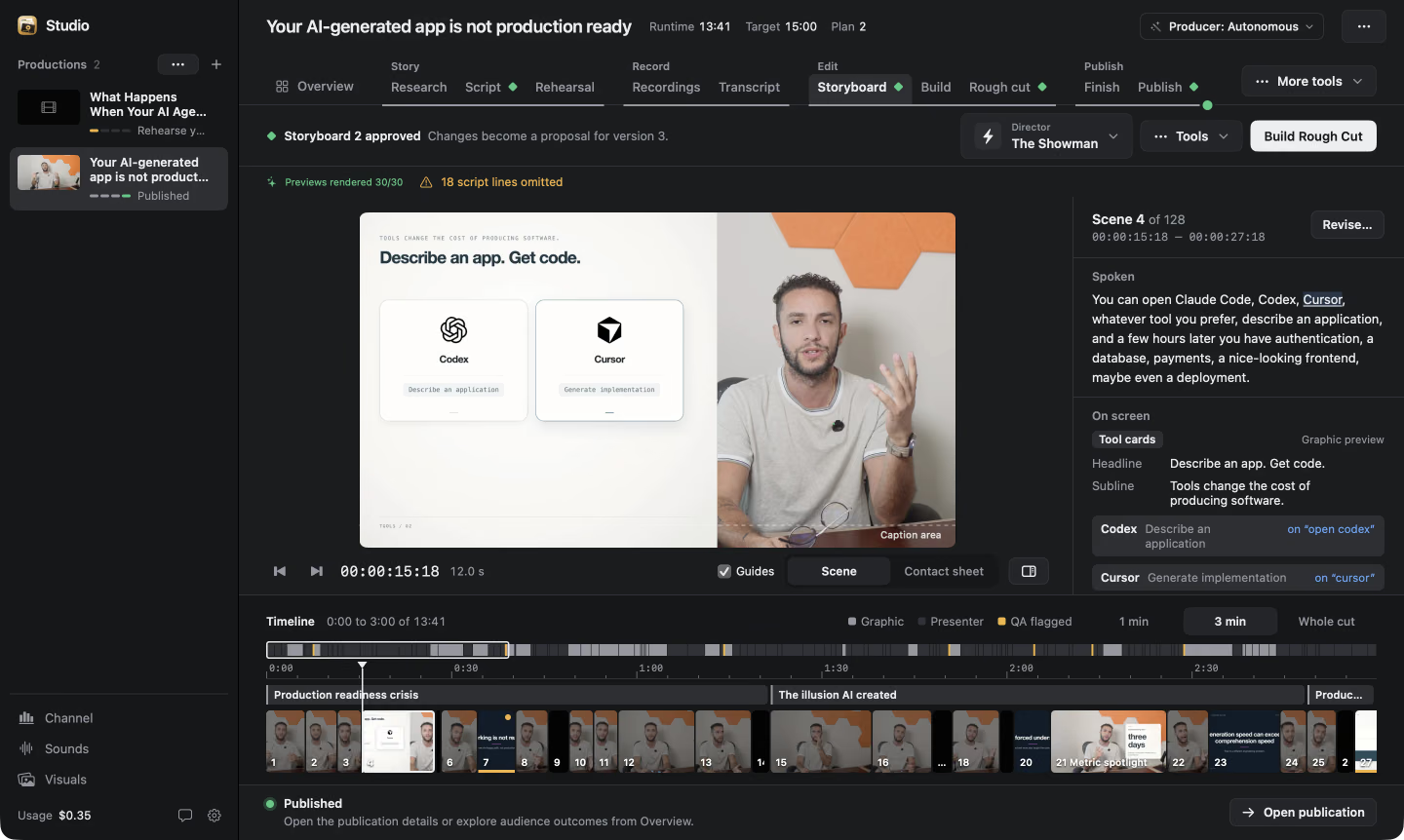
CoProd is a native macOS app that carries a video from idea to upload. The free studio covers the whole pipeline: outlining and scripting with AI direction, multi-take editing with motion graphics and captions, 1080p rendering with a DaVinci Resolve handoff, and a publication package of titles, chapters and thumbnail variants that goes to YouTube only once the creator approves it. The free edition’s code is public under Elastic License 2.0; a one-time Premium edition adds narrated rehearsals, a reusable sound library with local generation, enforced private-only uploads, and channel analytics.
What I’m focused on
Start with the story
Outline and develop the script with AI direction, then prepare to record with a shot plan and teleprompter. Every word stays subject to the creator’s approval.
Shape the edit
Recorded takes turn into a storyboard with pacing, motion graphics and captions. The studio assembles the rough cut, renders at 1080p, and hands off to DaVinci Resolve for finishing.
Publish with the final say
Titles, descriptions, chapters, tags and two thumbnail variants become an upload package that ships from the app once approved. The Premium edition keeps every upload private on YouTube for review.